01
Face and body recognition
Use face or body features according to the detection result, then search enrolled identities in the corresponding feature space.
Explore recognitionMEOWID OPEN PLATFORM API v1
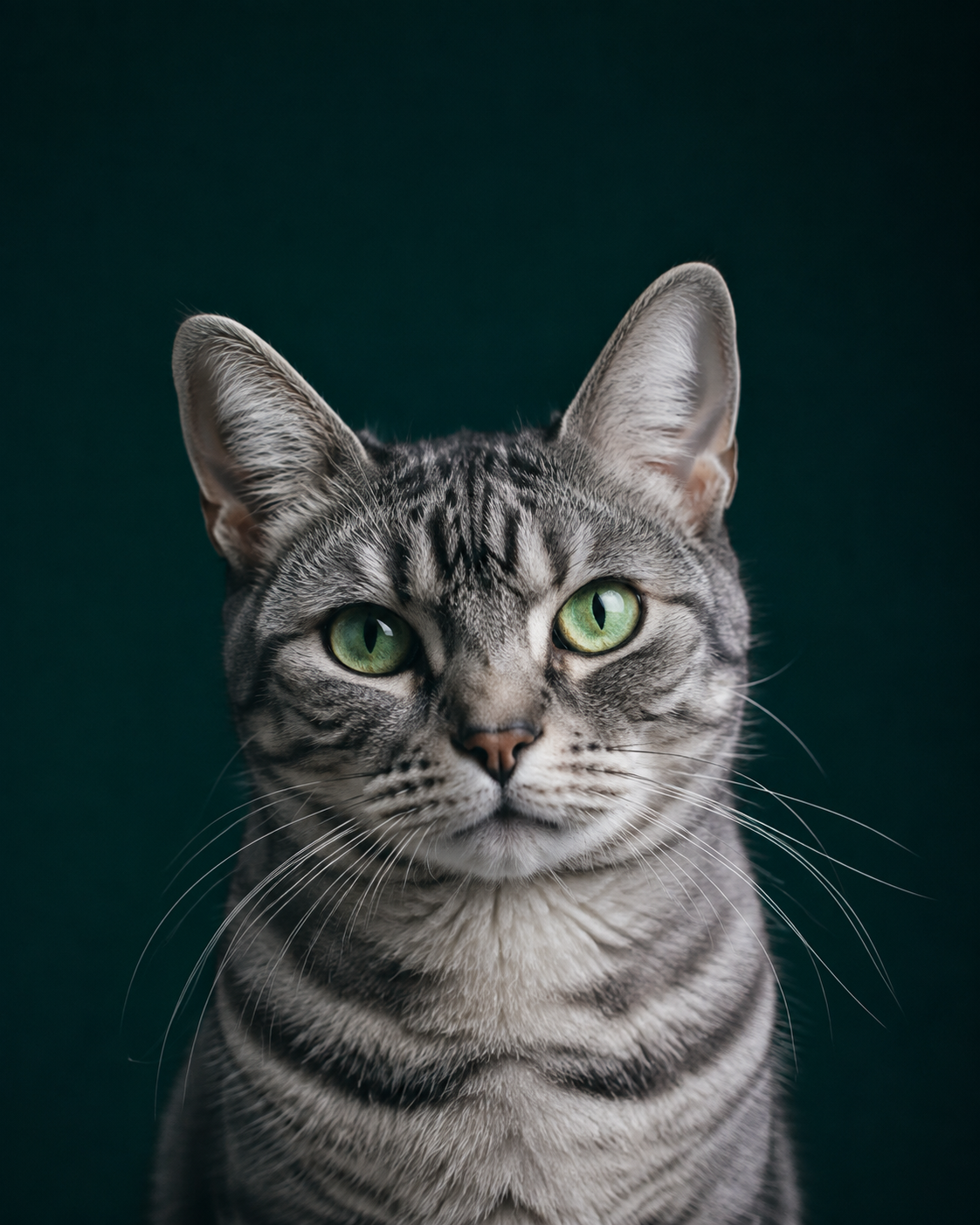
Maopu. Help your app recognize each cat.
Connect a photo to a cat profile using face recognition and body feature search. From enrollment to identity matching, integrate your product through one OpenAPI platform.
01 / CAPABILITIES
Connect detection, enrollment and similarity search into one workflow. Make your cat registry an identity database that your application can keep up to date.
Use face or body features according to the detection result, then search enrolled identities in the corresponding feature space.
Explore recognitionManage names, custom information and enrollment photos. Add images and select a primary photo as your registry grows.
Explore enrollmentDetect multiple cats in a query image and return individual candidates and Top-K matches, with a crop for each cat.
Read multi-cat resultsKeep project data separate. Configure API key scopes, expiry, status, revocation and IP allowlists.
Read about authenticationFollow asynchronous enrollment, select the intended cat from a multi-cat image, and retry failed tasks when source data remains.
Explore task workflowsSet the result count and similarity threshold. Uncertain matches return an unknown state, leaving room for human review.
Understand the response02 / HOW IT WORKS
Create a project in the console and configure a project-specific API key with the permissions you need.
Create an identity, upload enrollment images and wait for background feature extraction.
Call the search endpoint to receive candidate identities, similarity scores and unknown states for each cat.
03 / BUILT FOR DEVELOPERS
Integrate cat recognition with familiar HTTP requests. Focus on your registry, community and application while the platform handles inference.
# Set your API URL, project ID and server-side key
curl  --request POST \
  "$MEOWID_API_BASE/v1/projects/{project_id}/search?top_k=5" \
  --header "Authorization: Bearer $MEOWID_API_KEY" \
--form "[email protected];type=image/jpeg"04 / POSSIBILITIES
Build around cat identity by integrating the recognition API into your workflow. Developers can create these applications using the platform.
Link photos taken at different times to one cat profile, supporting continued observation, volunteer collaboration and individual records.
Campus cats / Community cat recordsConnect rescue, care and follow-up records around a cat identity. Use candidate matches to assist searches and let staff verify identity.
Stray cat records / Identity matchingAdd cat face recognition to a website, mini app or business system, bringing photo uploads, identity search and registry management into your product.
Cat recognition API / Pet app development05 / QUESTIONS
Maopu is a cat identity platform for developers. It links enrollment images to cat profiles and searches for individual identities in new photos. The current API answers whether this is the same cat; it does not classify breeds.
Yes. Create a cat identity in a project, upload enrollment images and wait for feature extraction to finish. Queries search that project's enrolled registry. If no reliable match meets the threshold, the result is marked unknown.
The platform uses face or body features according to detection results. Queries can return candidates for each detected cat. Multi-cat enrollment may require selecting the intended cat first. Lighting, sharpness and occlusion affect results.
No. Similarity is used for candidate ranking and threshold decisions; it is not the probability that an identity is correct or the platform's accuracy. Detection scores also differ from identity similarity. Validate thresholds on your own images and review important results.
No. Documentation is available to read directly. Enrollment, recognition and data queries require valid credentials and permissions. Keep API keys on your server. Project creation, key management and billing require a console login.
Enrollment and recognition are charged for cat embedding extraction, against the key owner's balance. Check the console for current prices, grants and usage.
GIVE EVERY CAT AN IDENTITY
Maopu · Cat Recognition Platform